
Share 2FA Setup for Team Access to a Single Account
Share 2FA Setup for Team Access to a Single Account
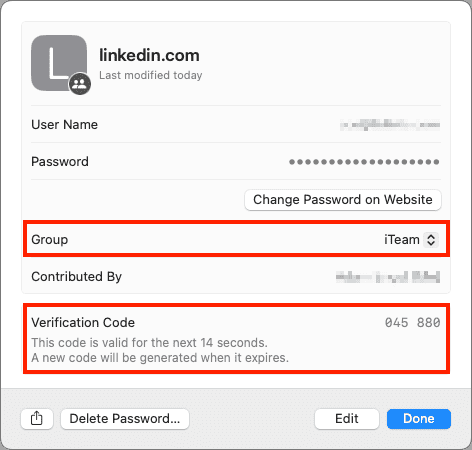
When your team or family needs to share access to a single account, figuring out how to share 2FA setup for team Buffalo situations can be tricky, especially for banking or social media accounts that rarely offer multi-user access. Using two-factor authentication via SMS is awkward because someone has to receive the codes, so an authentication app is often a better option. Authentication apps are more secure, and multiple people can add 2FA support to the same account by scanning the QR code at setup or adding the 2FA setup URL later. An even better solution is to use a password manager that supports both 2FA codes and password sharing, allowing one person to set up the account with 2FA and add its login to a shared vault or collection.
 Related: Your MacSolutions Team
(Featured image by iStock.com/May_Chanikran)
Social Media: For better results when a team or family group needs to share 2FA codes to log in to a website, try to use an authentication app instead of SMS, or better yet, use a password manager that can both generate 2FA codes and share logins with a group.